BOOST MSFS 2024 FPS? 🤔 Unlock GPU VRAM with Resizable BAR (ReBAR)! ✨


Get ready for Microsoft Flight Simulator 2024! 🛫 With stunning visuals comes the question: how much VRAM will it need, and can we maximize our GPU performance?
In this video, we explore Resizable BAR, often called ReBAR. Discover how this technology allows your CPU to access your graphics card's full VRAM capacity, potentially improving performance and reducing stuttering in demanding titles.
Could enabling ReBAR be the key to unlocking higher FPS and better handling of VRAM in MSFS 2024? We dive into: ✅ What ReBAR is and how it works ✅ Its benefits for gaming performance ✅ The essential hardware requirements (CPU, Motherboard, GPU) ✅ A step-by-step guide on how to enable ReBAR in your system
Optimize your PC settings ahead of the MSFS 2024 launch! While the exact impact is still being tested, understanding ReBAR is a great step towards maximizing your flight sim experience.
Have you enabled ReBAR? Share your performance gains in the comments! 👇
📖 Chapters 00:00 - Intro 00:17 - Intro video 00:40 - What will be discussed 00:54 - What is ReBAR 02:55 - Theoretical vs practical 03:39 - Comparison rebar enabled vs rebar disable 04:27 - Testing with DLSS (Deep Learning Super Sampling) 07:43 - Testing with TAA (Temoral Anti-Aliasing) 12:04 - System requirements 12:58 - Validate if ReBAR is enabled 13:56 - Outro 14:18 - Outro video
🔗Link to tools and drivers GPU-Z: https://www.techpowerup.com/gpuz/ Nvidia Control Panel: https://www.nvidia.com/en-us/geforce/drivers/ AMD: https://www.amd.com/en/support Intel: https://www.intel.com/content/www/us/en/products/docs/discrete-gpus/arc/software/drivers.html
🔔 Subscribe If you like this video please consider to subscribe to my channel: https://bit.ly/34eNWDP
🔗Other related links Tutorials playlist: https://bit.ly/3l6fRdL Website: https://highintheflightsimsky.nl
#MSFS2024 #ReBAR #ResizableBAR #VRAM #PerformanceBoost #GPUOptimization #FlightSim #PCGaming #HardwareGuide #GamingTech #NVIDIA #AMD
Related Videos

Shocking! Default Flight Sim Loads Slower? 🧠

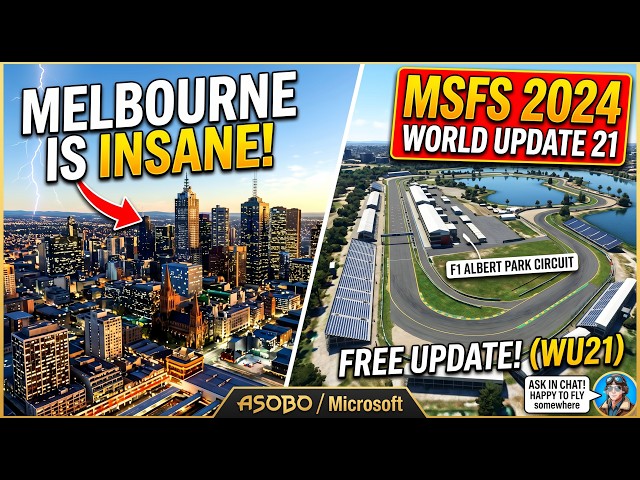
Flying Over the F1 Circuit in MSFS 2024 | Melbourne World Update 21
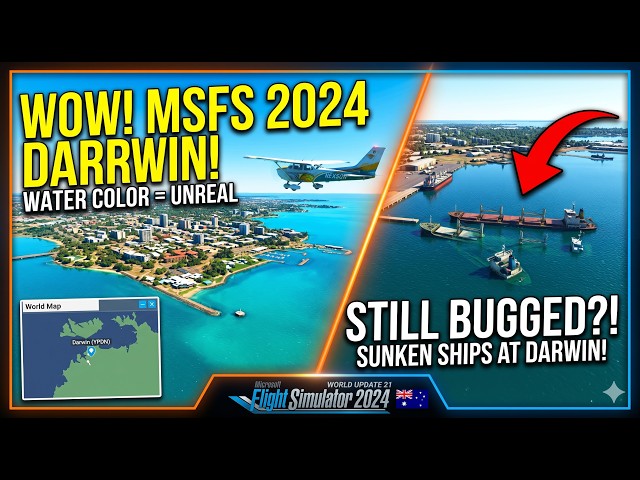
MSFS 2024: Darwin Looks INCREDIBLE! 🇦🇺 | World Update 21 Australia First Look

Fix your iniBuilds Tristar: get 40+ liveries NOW! (MSFS 2024)

Aerosoft A340-600 WinCtrl Throttle Setup - Control All 4 Engines