🛠️ How to Configure VelocityOne FlightSystem Yoke for MSFS 2024: Step-by-Step Guide! 🚀


⚠️An updated video is available containing screenshots where I highlight which button I push, the new video can be found here: https://youtu.be/pPUmG0kOVCs ⚠️
In this video, we provide a detailed, step-by-step guide on how to configure the VelocityOne FlightSystem Yoke for Microsoft Flight Simulator 2024 (MSFS 2024). The default configuration is almost unusable, so follow along as we show you how to set up your controller for the best flight simulation experience. Whether you're a seasoned pilot or new to the flight sim community, this tutorial will help you get the most out of your VelocityOne FlightSystem Yoke. Don't miss out on optimizing your setup and enhancing your flight sim adventures!
00:00 - Intro 00:34 - Intro video 00:44 - Explanation of different controller options 02:20 - Configuring the VelocityOne FlightSystem Yoke 16:58 - Validating the configuration 23:38 - Outro
If you are looking for steps how to configure the quadrant, check this video: https://youtu.be/bB_wzXjwBD8
🔔 Subscribe If you like this video please consider to subscribe to my channel: https://bit.ly/34eNWDP
🔗Other related links Tutorials playlist: https://bit.ly/3l6fRdL Website: https://highintheflightsimsky.nl
#FlightSimulator2024 #FlightSim #FS2024
Related Videos


MSFS 2024 - VelocityOne FlightSystem - Quadrant configuration 4-engines aircrafts

🛠️ Enhance Your Thrustmaster T.16000M: Ultimate Configuration Guide for MSFS 2024! 🚀
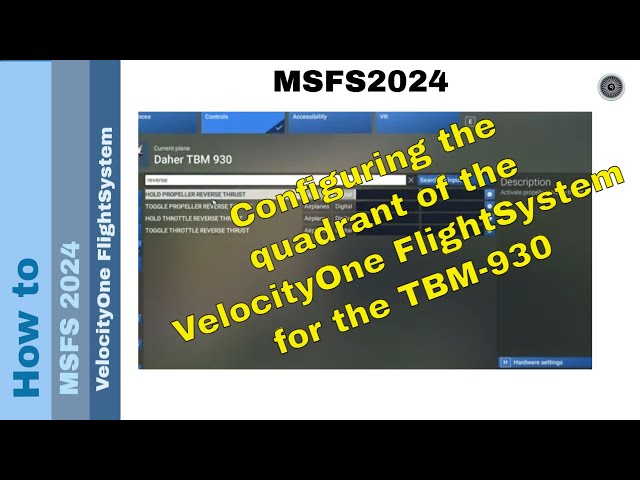
🛠️ Enhance Your TBM-930 Experience: Customizing the VelocityOne Flight System! 🚀

MSFS 2024 - VelocityOne FlightSystem - Quadrant configuration twin-engine aircrafts