Speak to Fly: Hands-Free Cockpit Control in MSFS with SimVoice Copilot


When ATC throws a sudden runway change at you on short final, juggling flaps, trim, and radio frequencies can get messy—especially if you have to take your hands off the controls. Enter SimVoice Copilot.
In this video, we dive into SimVoice Copilot, an incredibly powerful desktop tool that brings natural, zero-lag voice control directly into Microsoft Flight Simulator. Whether you are managing the complex systems of the Fenix A320 or flying a standard VFR route, this tool acts as your virtual First Officer. We’ll cover the setup process, explore the impressive in-sim EFB integration, and demonstrate live voice-guided checklists and autopilot commands during takeoff and flight.
For VR pilots, this is a massive step up for immersion—you can finally control your heading, altitude, lights, and radios without ever reaching for a mouse or breaking your headset immersion.
✈️ What you'll see in this video: 00:00 - The Cockpit Workload Problem 00:50 - SimVoice Copilot Desktop App Setup & Settings 06:33 - Reviewing the SimVoice Copilot Pro EFB 06:53 - Voice-Guided Checklist Demonstration 08:22 - In-Flight Voice Commands (Flaps, Autopilot, Lights) 11:27 - Final Verdict & VR Benefits
If you decide to pick up this tool, let me know in the comments: what is the most valuable feature for your setup? Don't forget to leave a like if this guide helped you!
Related Videos

Stop mouse hunting in VR! Control the G1000 by voice in MSFS
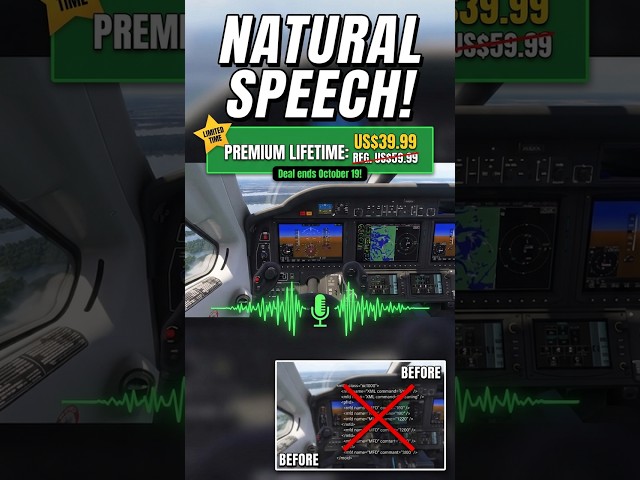
You can finally talk to your MSFS Copilot naturally


This MSFS AI Copilot just went FREE (and it actually listens)

Digital Aeronautics Mi-2 Hoplite Review | MSFS in VR (Pimax Crystal Light)

Stop memorizing switches! Master ANY airliner overhead panel in 2 Minutes