MSFS 2024 Sim Update 3 Deep Dive: Release Notes, New Features & How to Reinstall! ✈️ (1.5.23.0)


Get ready to soar with the new Sim Update 3 for Microsoft Flight Simulator 2024! 🚀 In this video, we'll take a comprehensive look at the official release notes for build version 1.5.23.0, exploring the exciting new features, bug fixes (like the cockpit button issue!), and the performance and stability enhancements that will take your flights to the next level.
The release notes suggest a full clean install, so I've created a detailed guide to walk you through the entire process. I'll cover the safe way to uninstall MSFS 2024 and then reinstall it, making sure you keep all your key settings and content intact. Don't miss the essential tips on managing your community folder to avoid issues!
📖 Chapters 00:00 - intro 00:08 - intro video 00:31 - review release notes 01:14 - uninstall MSFS 2024 01:42 - validating it has removed everything 02:48 - checking the library folder (in case you moved it) 04:04 - reinstalling MSFS 2024 05:01 - reconfiguring DLSS 07:30 - validating the settings inside MSFS 2024 and change the community folder 09:40 - checking the Nvidia App settings 10:11 - renaming the community folder (restore) 11:25 - outro 11:59 - outro video
⬇️ What are your thoughts on these new updates? Drop a comment below and join the discussion!
👍 If you found this video helpful, please give it a like and subscribe for more MSFS 2024 updates and tips
🔗 Access the full release notes: https://forums.flightsimulator.com/t/sim-update-3-beta-1-5-16-0-release-notes-july-11th-2025/729371
🔗Other related links Tutorials playlist: https://bit.ly/3l6fRdL Website: https://highintheflightsimsky.nl
#MSFS2024 #FlightSimulator #Update #beta #flightsimulator2024
Related Videos

Flight Sim 2024 Sim Update 3: Should You Use the NEW Download Option? 🤔⬇️

Fix your iniBuilds Tristar: get 40+ liveries NOW! (MSFS 2024)

FLIGHT SIM 2024: EFB Overhaul (Sim Update 3 Deep Dive) 💥
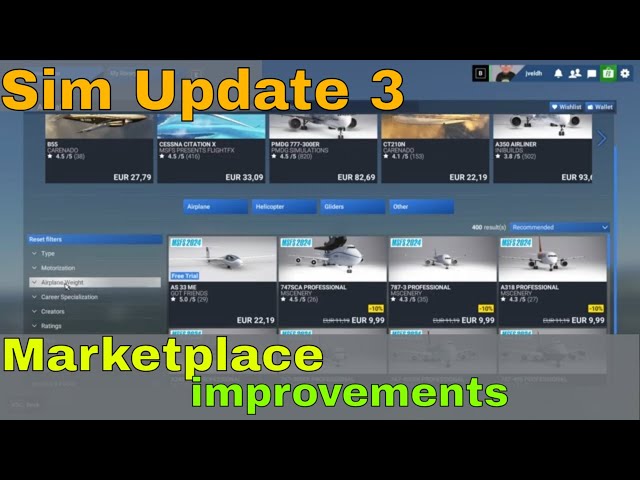
Flight Sim 2024: A New Era for the Marketplace is Here! (Sim Update 3 Breakdown) ✈️💡

MSFS 2024 Sim Update 3 ✈️ | Build 11 Bug Fixes & Regression Patch Breakdown!
