Master Your Drone Camera in MSFS with Stream Deck! 🚁✨ | Step-by-Step Configuration Guide
Unlock the full potential of your Microsoft Flight Simulator (MSFS) experience by learning how to control the drone camera using your Stream Deck! 🚀 In this comprehensive step-by-step guide, we'll walk you through the entire configuration process, ensuring you achieve seamless drone camera control. Whether you're a seasoned pilot or new to the flight sim community, this tutorial will elevate your gameplay to new heights. Don't miss out on this essential guide to mastering your drone camera setup! 🎮✈️
00:00 - Intro
00:20 - Intro video
00:28 - Where to find the key bindings for the drone camera
01:42 - Creating a new profile
02:42 - Adding new icon set
03:04 - Using the new icon set and adding sets
04:36 - Adding the drone configuration
12:16 - Outro
⌨️ Keys used:
- drone: shift + X
- follow: 5
- lock: 6
- up: E
- down: Q
- zoom in: shift + O
- zoom out: shift + U
- top view: F
- reset: R
- left: A
- forward: W
- backward: S
- right: D
- yaw left: left arrow
- yaw up: up arrow
- yaw down: down arrow
- yaw right: right arrow
- pitch left: U
- pitch forward: I
- pitch backward: K
- pitch right: O
- pitch reset: shift + space
- increase rotation speed: shift + R
- decrease rotation speed: shift + F
- increase drone speed: shift + T
- decrease drone speed: shift + G
📥 Stream Deck icons use in this video::
https://marketplace.elgato.com/product/simple-bright-colours-e88fbfaf-2d68-4d94-ad3b-ddaad3feecca
🔔 Subscribe
If you like this video please consider to subscribe to my channel: https://bit.ly/34eNWDP
🔗 Other related links
Tutorials playlist: https://bit.ly/3l6fRdL
Website: https://highintheflightsimsky.nl
#FlightSimulator2024 #FlightSim #FS2024
Related Videos

Step-by-Step Guide: Adding Flight Plans & Procedures to Cessna 172 in MSFS 2024 🛩️
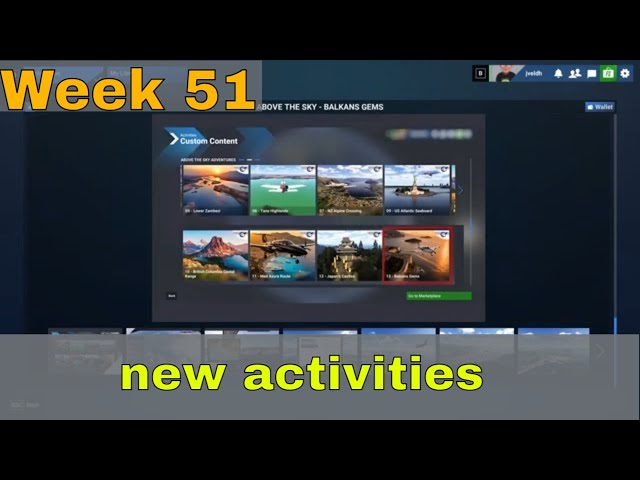
🛫 New activities in MSFS2024 Marketplace|Weekly Update|Master Your Flight Skills!|Week 51✈️

🛫 New activities in MSFS2020 Marketplace|Weekly Update|Master Your Flight Skills!|Week 51✈️

🛫 New activities in MSFS2024 Marketplace|Weekly Update|Master Your Flight Skills!|Week 50✈️

🛫 New activities in MSFS2020 Marketplace|Weekly Update|Master Your Flight Skills!|Week 49✈️
