MSFS 2024 Sim Update 3 Deep Dive: Release Notes, New Features & How to Reinstall! ✈️ (1.5.23.0)
Get ready to soar with the new Sim Update 3 for Microsoft Flight Simulator 2024! 🚀 In this video, we'll take a comprehensive look at the official release notes for build version 1.5.23.0, exploring the exciting new features, bug fixes (like the cockpit button issue!), and the performance and stability enhancements that will take your flights to the next level.
The release notes suggest a full clean install, so I've created a detailed guide to walk you through the entire process. I'll cover the safe way to uninstall MSFS 2024 and then reinstall it, making sure you keep all your key settings and content intact. Don't miss the essential tips on managing your community folder to avoid issues!
📖 Chapters
00:00 - intro
00:08 - intro video
00:31 - review release notes
01:14 - uninstall MSFS 2024
01:42 - validating it has removed everything
02:48 - checking the library folder (in case you moved it)
04:04 - reinstalling MSFS 2024
05:01 - reconfiguring DLSS
07:30 - validating the settings inside MSFS 2024 and change the community folder
09:40 - checking the Nvidia App settings
10:11 - renaming the community folder (restore)
11:25 - outro
11:59 - outro video
⬇️ What are your thoughts on these new updates? Drop a comment below and join the discussion!
👍 If you found this video helpful, please give it a like and subscribe for more MSFS 2024 updates and tips
🔗 Access the full release notes: https://forums.flightsimulator.com/t/sim-update-3-beta-1-5-16-0-release-notes-july-11th-2025/729371
🔗Other related links
Tutorials playlist: https://bit.ly/3l6fRdL
Website: https://highintheflightsimsky.nl
#MSFS2024 #FlightSimulator #Update #beta #flightsimulator2024
Related Videos

Flight Sim 2024 Sim Update 3: Should You Use the NEW Download Option? 🤔⬇️

FLIGHT SIM 2024: EFB Overhaul (Sim Update 3 Deep Dive) 💥
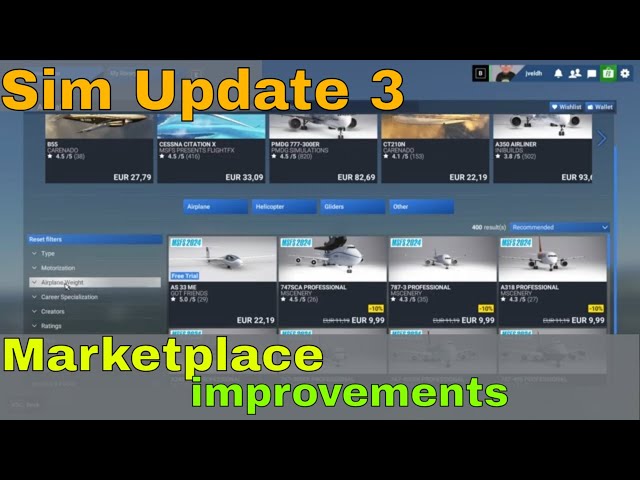
Flight Sim 2024: A New Era for the Marketplace is Here! (Sim Update 3 Breakdown) ✈️💡

MSFS 2024 Sim Update 3 ✈️ | Build 11 Bug Fixes & Regression Patch Breakdown!

MSFS 2024 Sim Update 3 FINAL Build? 🚀 Performance investigation & Bug Fixes Breakdown!
